Want clients to see your work the moment they land on your site? An artist portfolio isn’t just a gallery—it’s a guided experience that helps the right people understand your style, your process, and how to work with you.
When you search for “how to build an artist portfolio,” you’re usually asking:
- What pages do I need besides images?
- How do I make my work feel high-quality (without slowing everything down)?
- Should I use a portfolio platform or a custom website?
- How do I turn “viewers” into “inquiries”?
According to guidance from Google on making content accessible and easy to use, sites perform better when they’re clear, navigable, and designed for real people—not just search engines. (See: SEO Starter Guide and W3C Accessibility fundamentals.)
By the end of this guide, you’ll have a simple map for choosing the right portfolio platform, presenting high-quality images, writing descriptions that sell your vision, and organizing work by categories—so your website becomes the “yes” button for new clients.
Table of contents
- Why an artist portfolio matters (more than you think)
- Choosing the right platform for your portfolio
- High-quality images: the non-negotiable
- Writing compelling descriptions that get inquiries
- Organizing your work by categories
1) Importance of a portfolio: it’s your fastest “introduction”
A portfolio website does three jobs at once:
- It proves you can deliver the style/quality people want.
- It signals fit (subjects, formats, timelines, tone).
- It removes friction between “I like this” and “How do I book you?”
Here’s the quick reality check: most visitors won’t read your whole site. They’ll skim. Your job is to make the skim meaningful—using clear categories, strong hero images, and a straightforward path to contact.
2) Choosing the right platform: where your portfolio “lives”
There are two common approaches:
Option A: Portfolio platform / hosted site
This is often fastest to launch. You get built-in galleries and templates, and you spend less time on design decisions.
- Best when: you want speed, simple publishing, and minimal setup.
- Trade-off: you may have less control over layout, branding details, and performance tuning.
Option B: Your own website (with a portfolio section)
This gives you control. You can shape your navigation, integrate SEO best practices, and design a conversion path (portfolio → inquiry).
- Best when: you want to build a brand and keep ownership of your content.
- Trade-off: you’ll likely do a bit more setup.
If you’re choosing between options, use this question: “If a client fell in love today, how quickly could they find pricing/inquiries and see 3–5 relevant examples?” The platform that answers that fastest is the right one.
3) High-quality images: show the work clearly, not just loudly
Great images do more than look pretty—they answer questions before people ask them.
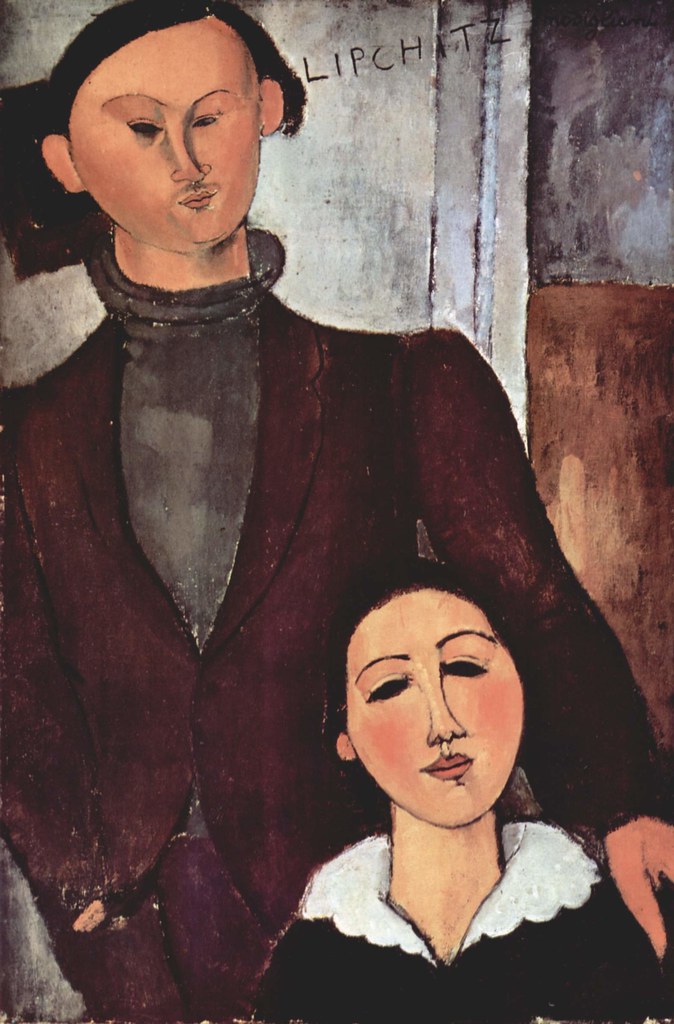
Use this practical checklist:
- Upload the best resolution you can (then let the website resize it). Blurry thumbnails kill confidence.
- Keep lighting consistent across a series (it’s easier to compare styles).
- Use multiple views when it helps (detail shot, scale reference, or process image).
- Mind file size so pages load quickly—especially on mobile.
- Add descriptive alt text so your work is accessible and understandable.
For accessibility basics (including why “alt text” exists in the first place), see WCAG: Non-text content.
4) Writing compelling descriptions: turn “pretty” into “persuasive”
Descriptions aren’t a diary. They’re a translator between your creative intent and a buyer/client’s decision.
For each portfolio piece (or small set of pieces), aim for:
- What it is: medium, subject, style references (if relevant).
- What makes it yours: 1–2 sentences of creative direction.
- Where it fits: who it’s for (brand work, commissions, events, publications, etc.).
- Any practical details: size range, timeline, or common deliverables.
Want a simple template? Try this:
“This piece explores [theme] using [medium/style]. It’s well-suited for [use case]. If you’d like something similar, contact me and share your timeline and reference links.”
If you want a “plain English” guide for creating your site’s overall messaging and user flow, start with our services page, then map your portfolio to the same clarity.
5) Organizing your work by categories: make browsing effortless
Most artists don’t need “more work.” They need better browsing.
Categories help because visitors arrive with different goals:
- Some want a specific subject (“portraits,” “landscapes,” “wildlife”).
- Some care about the medium (“oil,” “watercolor,” “digital”).
- Some want a format (“prints,” “commissioned pieces,” “licensed artwork”).
- Some are looking for a vibe (“minimal,” “bold,” “whimsical”).
A practical category structure that works for many portfolios
- By subject (what the art is about)
- By medium (how it’s made)
- By client outcome (what people use it for)
- By availability (commissions open / limited / sold)
Tip: Keep categories limited (think 4–8). Too many options make visitors feel like they can’t choose—so they leave.
Quick example: a strong artist portfolio homepage flow
A simple “scroll” experience that tends to convert looks like this:
- Hero section with 1–2 standout images and a short line about your focus.
- Categories that match how clients search.
- Featured pieces (the work you want more of).
- Process or statement (brief and skimmable).
- Clear contact path with what to include (timeline, budget range if you choose, references).
Then it’s just one click from inspiration to action: contact.
Conclusion: your portfolio should guide decisions
An effective website portfolio helps the right people understand your style quickly and figure out how to work with you—without guessing. If you focus on clear structure, strong images, persuasive descriptions, and category organization, your website becomes a client magnet instead of a digital shelf.
Next step
Pick one category you want more inquiries about. Improve its images and write one description using the template above—then test your contact flow from that page.
If you want help turning a portfolio into a site that attracts clients, start with the contact page and share 5–10 pieces you want to lead with.